A New Checkout Page: Cleaner Layout and QR Codes That Fill In the Amount
The page your customers see when they pay an invoice has been rebuilt. It is cleaner, it matches the rest of WolvPay, and the QR code now does more of the work.
One card, three steps
The invoice is a single card. The amount is at the top, and a short progress line shows where you are: pick a coin, pay, done.
- Popular coins such as Bitcoin, Ethereum, USDT and USDC are listed first, and search finds the rest
- Once you pick a coin, the exact amount to send sits right under the dollar total
- A countdown bar shows how long the invoice stays open
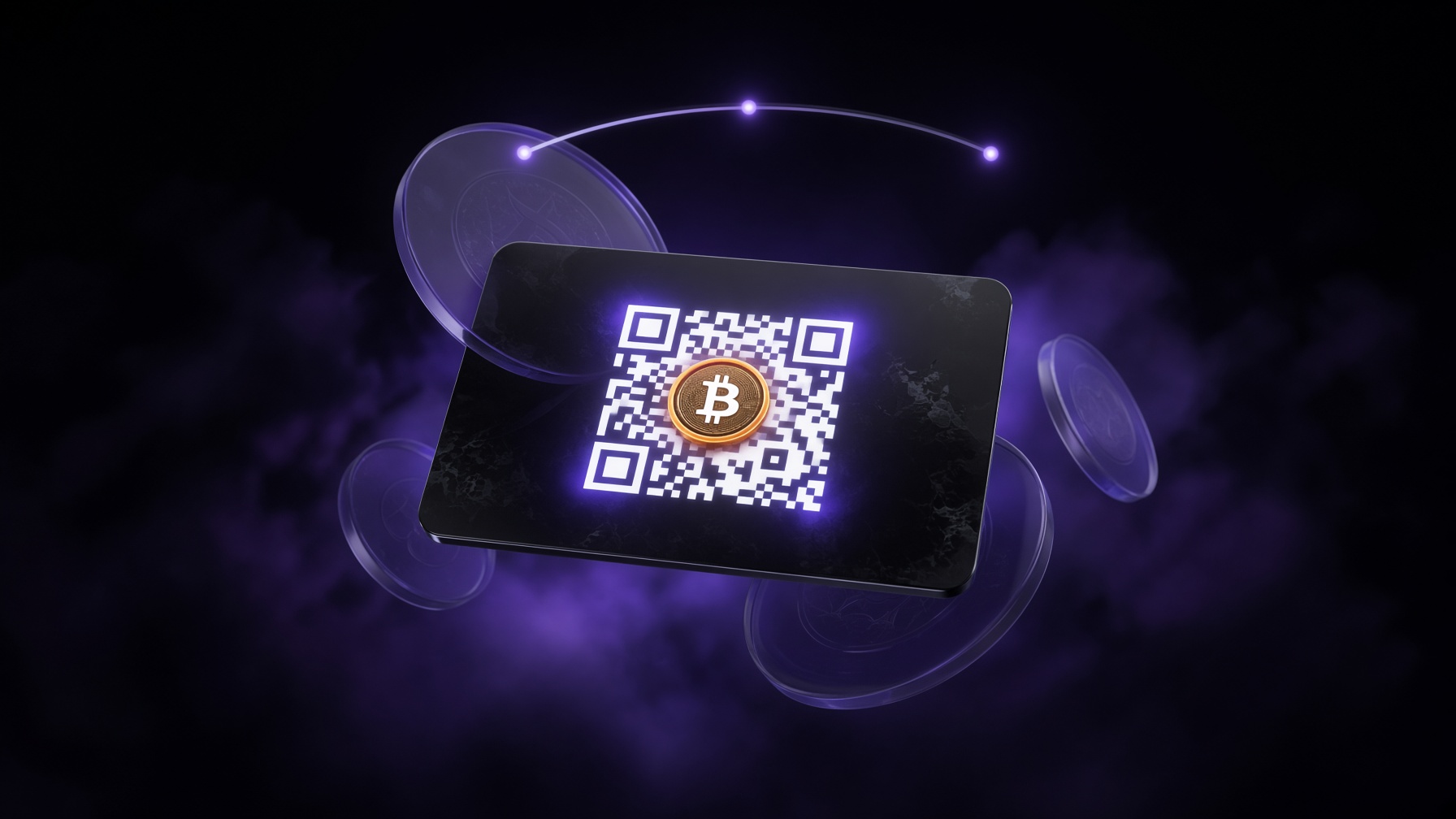
QR codes that fill in the amount
The QR code now carries the coin logo in the middle. For Bitcoin, Litecoin, Bitcoin Cash and Dogecoin, it holds a payment link, so a wallet that scans it opens with both the address and the amount filled in. There is a switch under the code to go back to Address only if your wallet prefers that.
On a phone, those coins also get an Open in wallet button, so you can pay without scanning anything.
Other coins and tokens, such as USDT, USDC, Ethereum and Solana, use the address only. There is no payment link format that every wallet agrees on, so we do not guess. The amount is shown for you to copy.
Easier to get right
- The amount and the address each have their own copy button. The amount copies as a plain number, with no thousands separators
- The page tells you how the address should start and end, so you can check it against your wallet before you send
- A short note says which coin and network to use, and the minimum for each transaction
- The invoice ID at the top copies with one click, which helps when you contact the merchant
It updates itself
Once you have sent the payment, leave the page open. It checks for your payment every few seconds and moves to the confirming and paid screens on its own. If you want to check right away, there is a button for that.
If you sent only part of the amount, the page shows what was received and what is left. It fills the QR code in with the remaining amount.
Dark, light and embedded
The page is dark by default, like the rest of WolvPay, and has a light theme with a button to switch. It works the same inside the embedded checkout. Any theme you set in the embed URL still applies.
Redirects back to your site after payment now only go to http and https addresses.
What you need to do
Nothing. Your existing invoice links, API calls and webhooks are unchanged. Open any invoice to see it, or create a new one from your dashboard.
Building the future of cryptocurrency payments - 1% fees, instant withdrawals, no KYC.